Please turn on the Spam protection to help detect spam:
Open Messages > Click Account icon > Messages settings > enabled Spam protection.
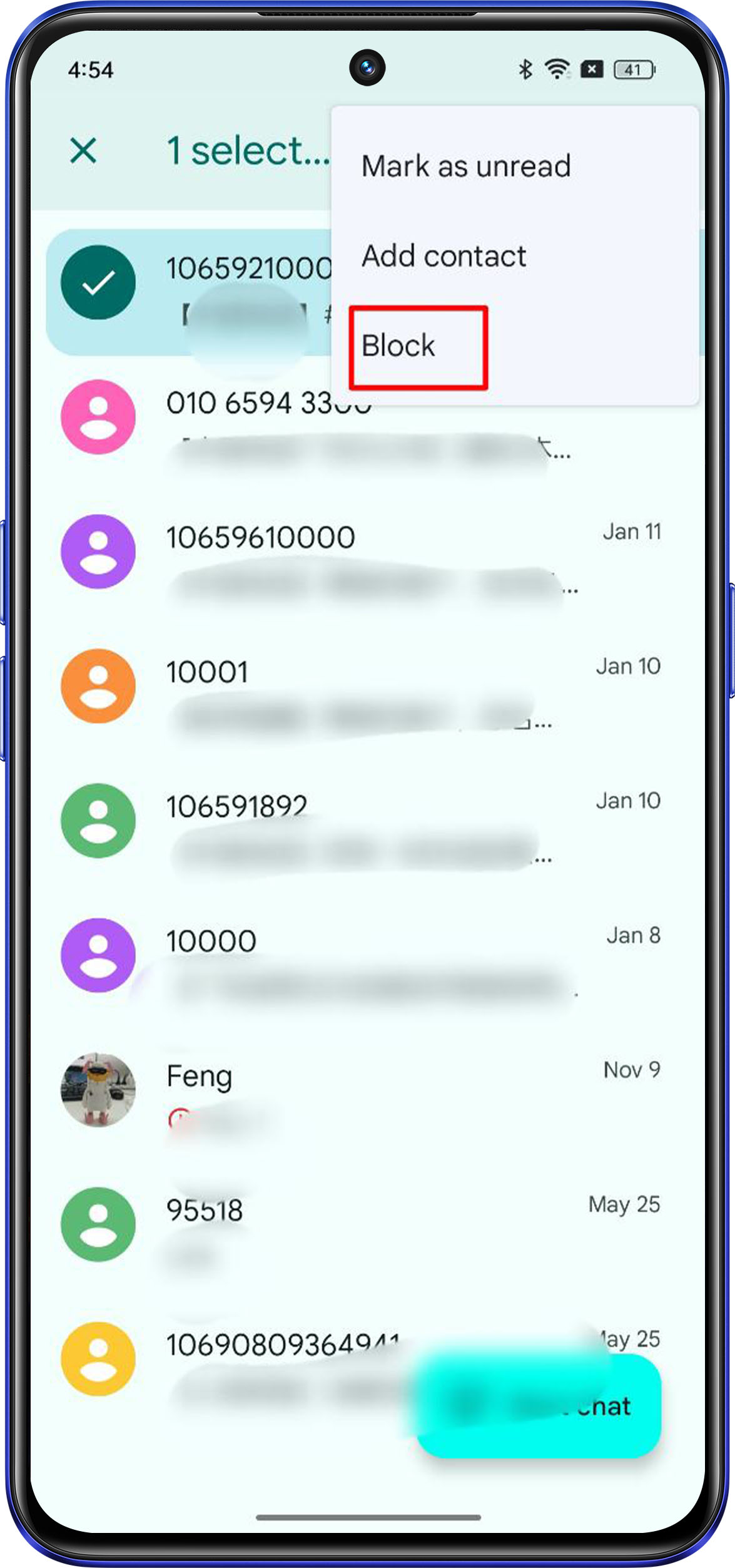
How to block messages on your Android device:
First, open the Messages app and find the spam text message that you want to block.
Then, long press on the message.
Tap the ︙menu in the top right corner of the screen, and tap Block.
On the pop-up menu, check the Report spam box, and then tap OK.