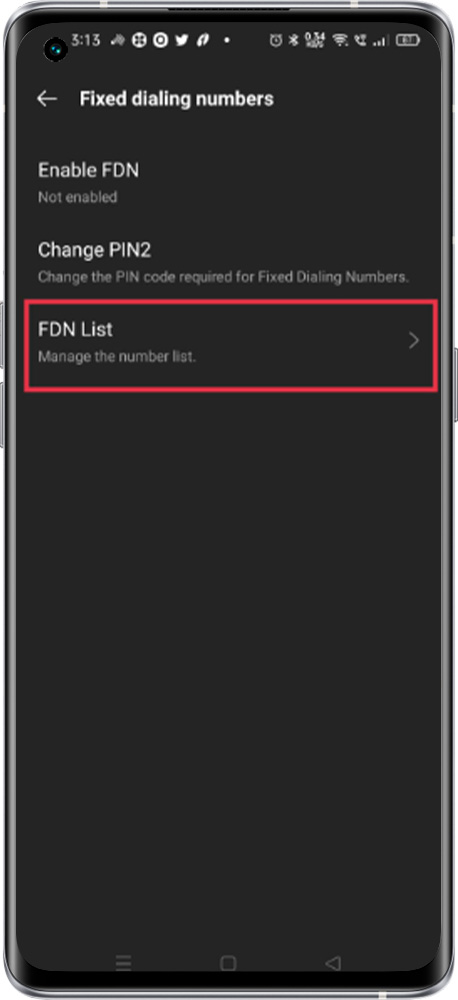
In GSM phones, the Fixed Dialing Model (FDM) is a service mode for locking the phone so that it can only dial certain numbers or numbers with a certain prefix.
Please find the process to enable the feature
The feature does not allow dialing any other number except for the fixed dialing number.
Setting path:
To enable the option please follow the below step
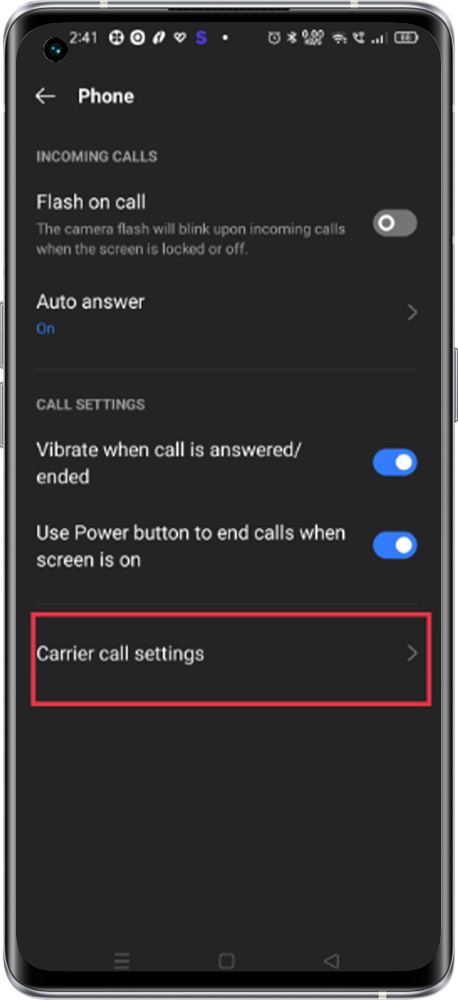
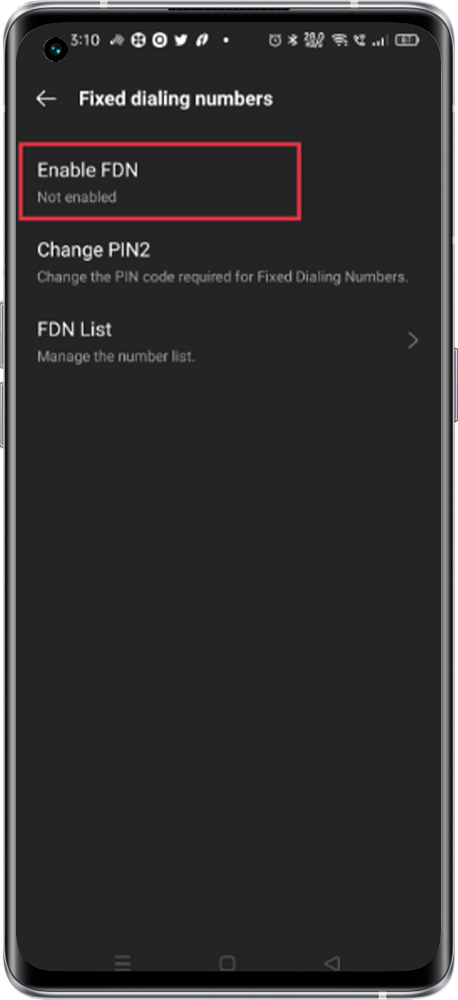
Path: Open the Phone app > Tap More options > Settings > Calling accounts > Carrier call setting > Enable FDN > Enter the “PIN Number provided by the Operator”
*Note: It is a network-dependent feature. To enable this feature please get the PIN code (numeric password) from the Operator.
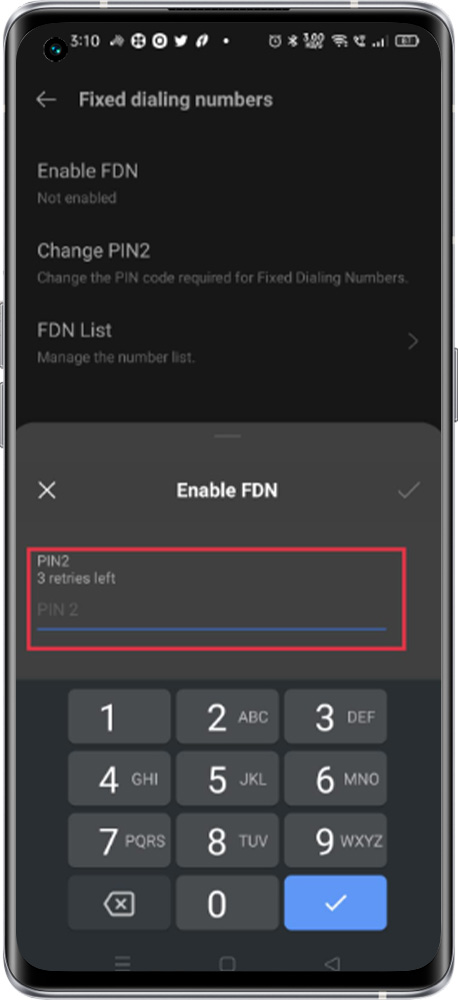
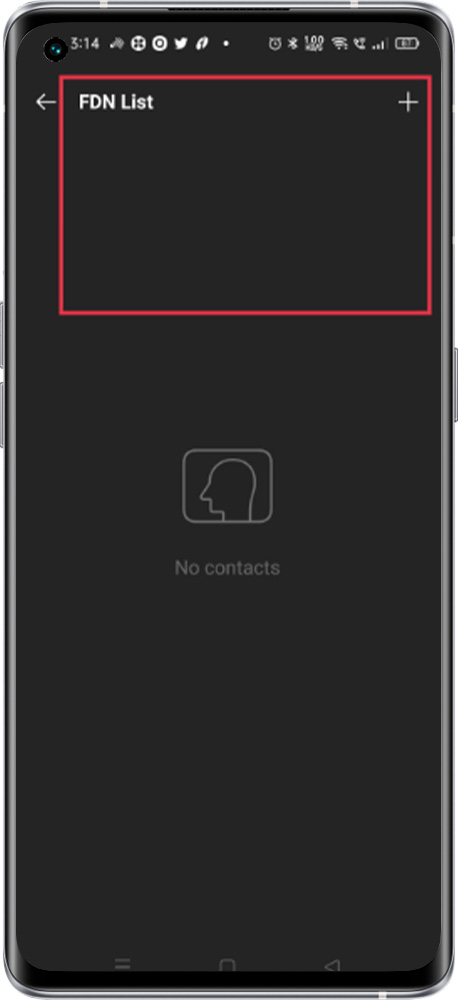
Manage the FDN list: "Go to FDN List" to manage the Contact