Import Contact: You can add all your contacts to a Google Account. After you import, the contacts are still in your other account.
From a Sim Card
If you have a SIM card with contacts saved on it, you can import them to your Google Account.
1. Your SIM card must be inserted into your device.
2. Open the Contacts app on your realme device.
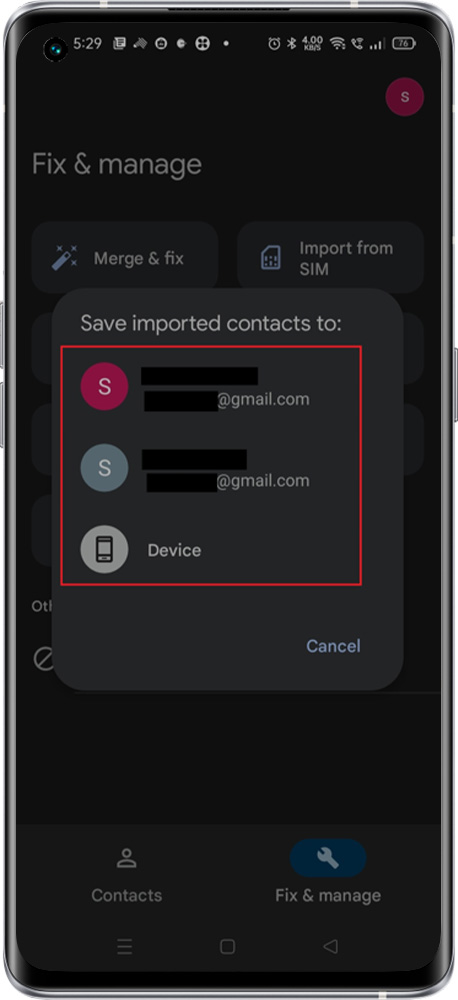
3. On the bottom, tap Organise > Fix & Manage > Import from SIM.
4. If you have multiple accounts on your device, select the account where you want the contacts to be saved.


From a saved File
If you’ve saved contacts to a VCF file, you can import them to your Google Account.
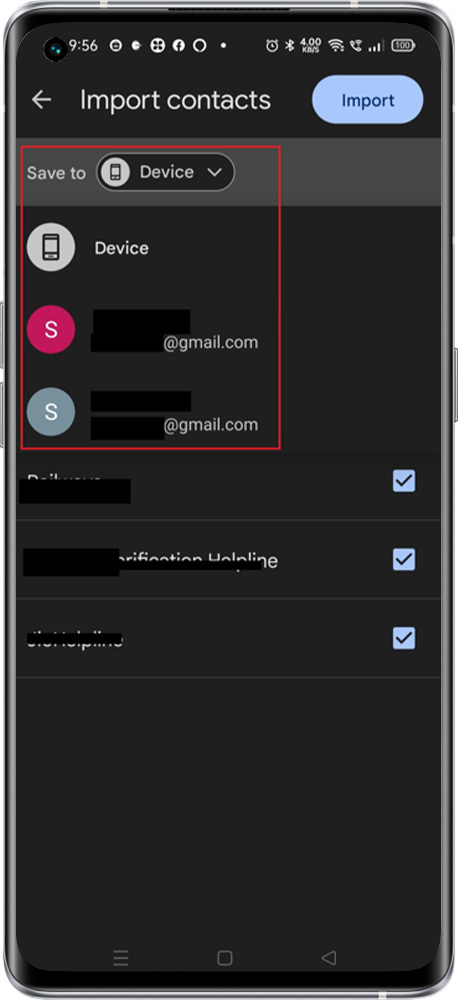
1. At the bottom of your realme phone, tap Organise > Fix & Manage > Import from file option.
2. When you have multiple accounts on your device, pick the account where you want to store your contacts.
3. Browse to the VCF file you wish to import.