realmeparts

How to turn on Remove animations

31 views
1 likes
Official Source
phone

Turning on Remove animations will turn off all transition animations in the system.


Setting path:

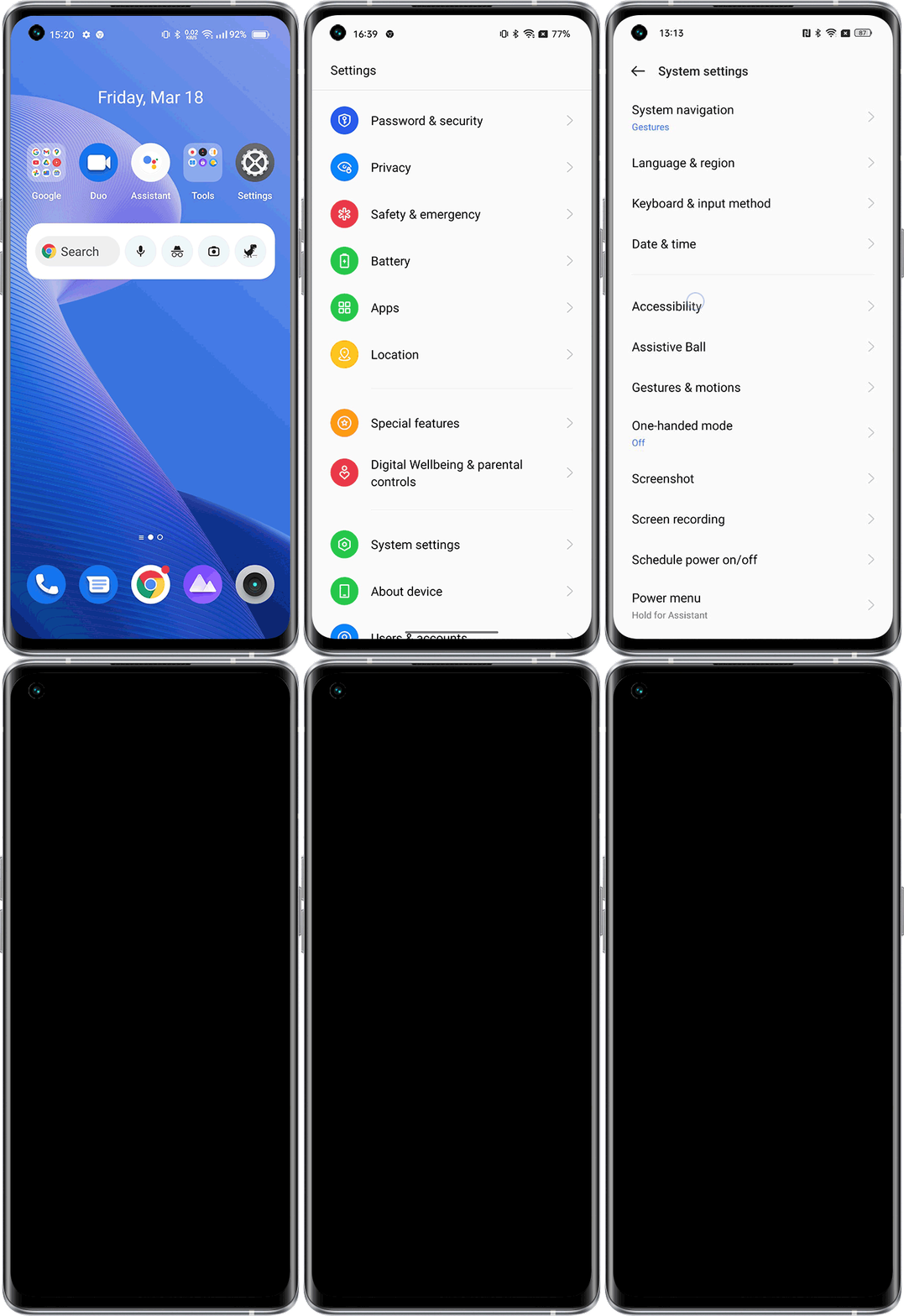
realme UI 2.0 & above versions: Settings > Search "Accessibility" in the settings > Accessibility > Vision > Remove animations.

realme UI R & S & T & Go & U Edition: Settings > Accessibility > Vision/Color and motion > Remove animations.

realme UI 1.0: Not supported

Article Reference

Official Realme documented guide #2242471

View on realme.com

Related Topics

#transition animation#remove animation

Was this article helpful?

Your feedback helps us improve our support content.

Still need help?

Explore more articles or contact our customer support team for personlized assistance.

Visit Support Hub