Introduction:
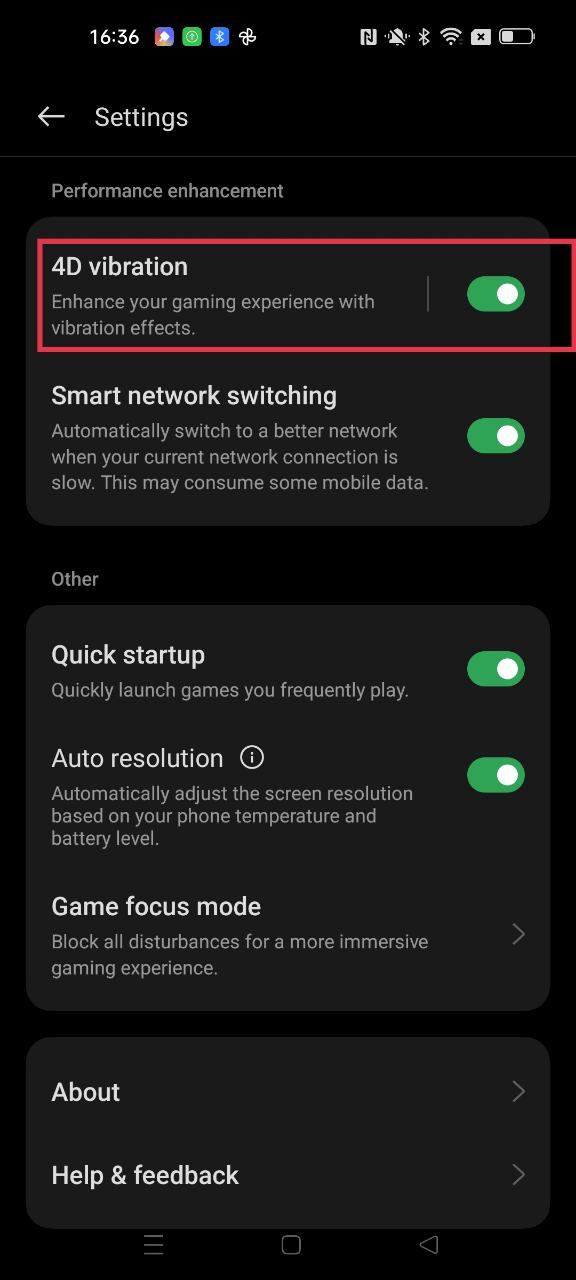
Game vibration (4D vibration) function, which designs vibration feedback for specific scenes within the game to increase the impact effect. Enhance your gaming experience with vibration effects.
Games scope:
Games support: PUBG and LOLM only.
Setting path:
Games > Settings > 4D vibration.
(There are no requirements for the Games version, and there may be slight differences in the functions of different product models. Please refer to the actual functions of the phone.)